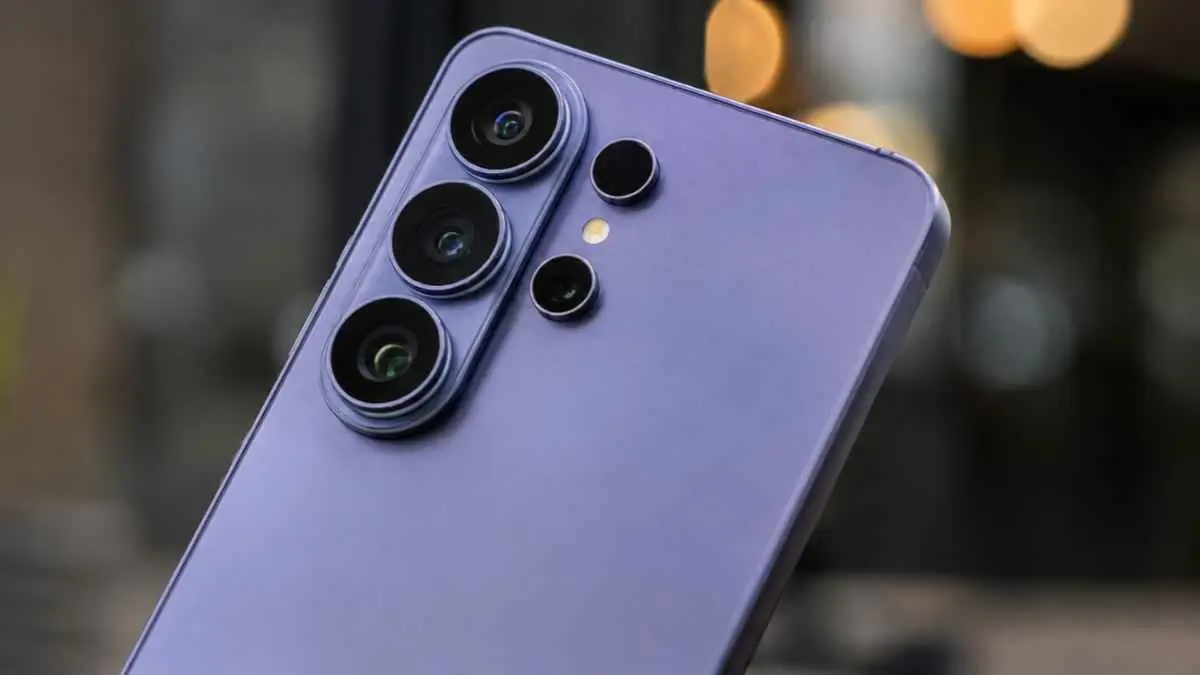
Tools exist to bypass Factory Reset Protection (FRP) on Samsung devices. Whilst this feature aims to prevent theft, many genuine users now struggle to access their devices following a factory reset. Whether used by second-hand users, or users simply forgetting their login details or by technicians working with trade-ins, many genuine users find themselves locked out of their hardware. As a result, many PC tools exist to bypass this FRP and immediately restore the device to usability.
Why this matters
There is a grey area in using FRP removal tools for Samsung devices. Although it can be used legally by resellers (as long as the owner has confirmed ownership), repairers (as long as owner confirmation has been made) and users who have proof of purchase, if misused it can easily cause a valuable security system to be lost. As stated above there are valid reasons for using FRP removal tools. The majority of reliable services will require proof of ownership. For any tool, users should be ready to provide proof of ownership.
What to look for in a good FRP bypass tool
Device Compatibility/Android Version Support
Samsung regularly apply new security features, and from Android 11 onwards, Knox security features mean that old methods of bypassing FRP are no longer effective. A good tool will have up-to-date device support.
Ease of use vs ADB requirement
Some FRP bypass tools will require you to have enabled USB Debugging within the device settings. This can be difficult to do if the device is locked. However, more user-friendly tools can be used without enabling debugging by using exploits within download mode.
No data loss
The best tools will allow you to skip past Google verification, without losing any data within the device.
Legitimate software
This is a big problem in this category. Many tools are bundled with additional software (malware). To ensure you are using a legitimate tool, look for clear information on the identity of the developer, a proper support system and good reviews from other users. Don’t be fooled by ‘bells and whistles’ on the download page.
Popular Tools
UnlockJunky and Samfw FRP Tool are popular tools in technical communities. They are known for supporting both the Qualcom and Exynos variants of Samsung hardware. These tools also give device specific scripts, meaning that you can be confident they are compatible with your exact device. This is very useful given the variety of hardware in Samsung devices.
Many tools utilise Odin to perform a manual FRP bypass. Although not technically a tool, many FRP bypass tools rely on this method. Modified firmware or combo file is flashed on to the device to disable FRP.
Dr.Fone and Tenorshare 4uKey for Android are highly polished, well-supported tools. These are paid tools, with support services, regular updates and user-friendly interfaces. However, due to this polish they may not offer the same flexibility to support newer, highly-patched devices.
Things to be aware of
The failure rate varies tremendously according to the firmware version. It is typical for any bypass solution to become ineffective soon after the application of the Samsung security patch. This is a highly frustrating aspect, which should make one approach the idea of “guaranteed bypass” critically.
Risks
Downloading FRP bypass applications from unknown sources puts your phone at an increased risk of malware attacks. With the need of users to get out of the FRP, they may not be careful about the weird installers. For safety reasons, run a scan on the installer, download using another phone, and stay clear of bundled system optimizer tools.
Legal Issues
Taking a device that belongs to yourself and getting around the FRP restrictions is acceptable. Taking apart the device when there are some doubts about its ownership might place you into legal troubles. The problem is that more and more legitimate repair services require proof of purchase.
Conclusion
Due to the variety of hardware (both chipset and android versions) and regular security updates on Samsung devices, there is no one “best” tool to bypass FRP on Samsung devices. However, to make a good choice, look for tools that are regularly updated, and have been verified. To avoid putting yourself in a risky situation, often the best option with a locked device is to contact Samsung support. If you have proof of ownership, this is the only guaranteed way to bypass FRP with no security risks or legal issues.